Save text from any page
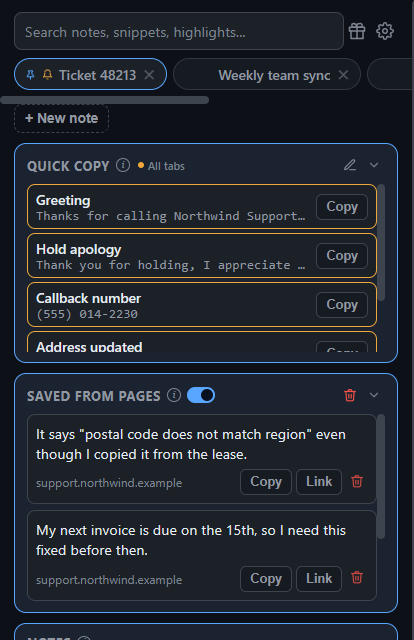
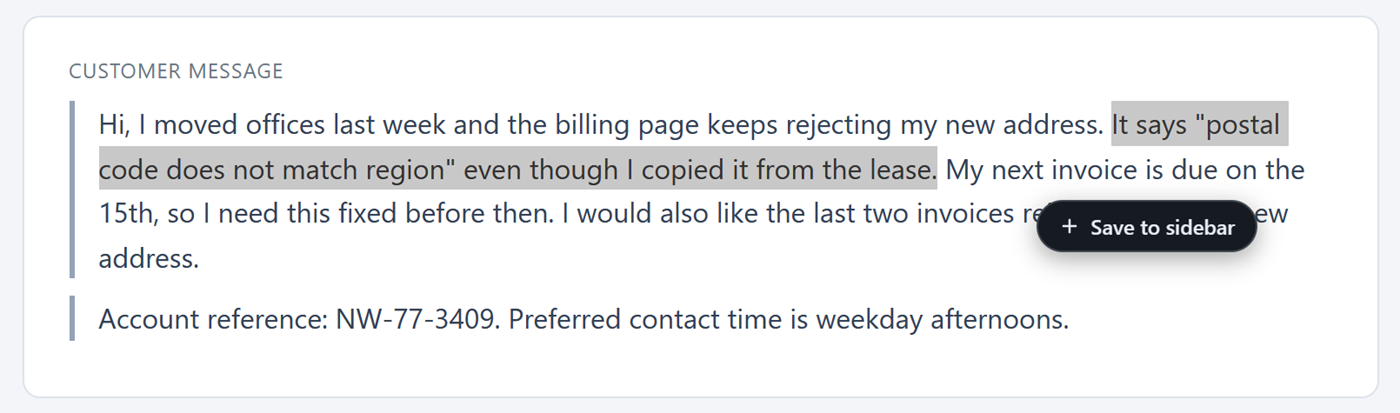
Select text and a Save to sidebar button appears. One click keeps the text with a link back to the exact spot.
 Sidebit
A Chrome side panel for quick notes, one-click snippets, saved highlights, screenshots and reminders. Everything stays on your device.
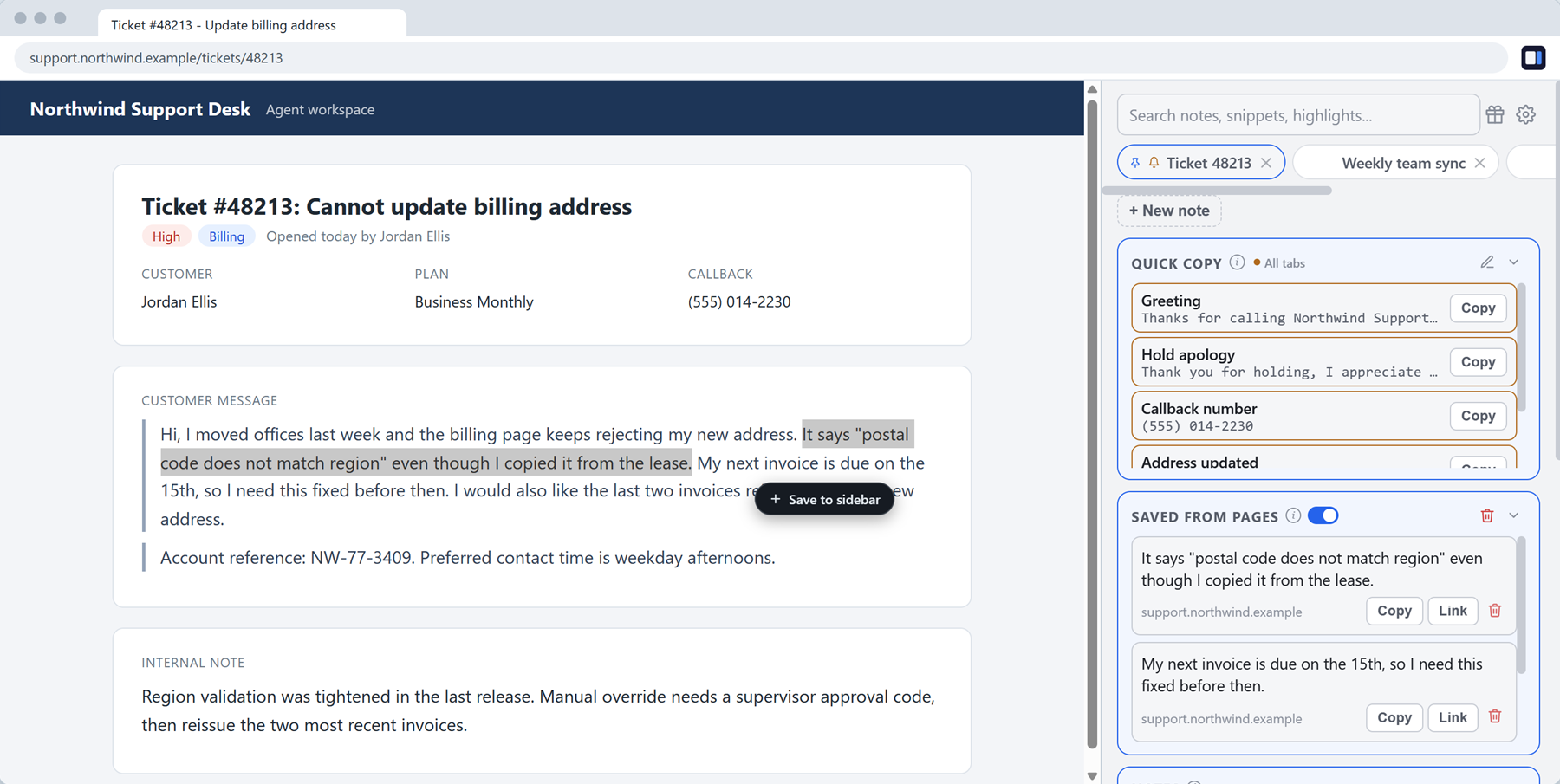
Select text and a Save to sidebar button appears. One click keeps the text with a link back to the exact spot.
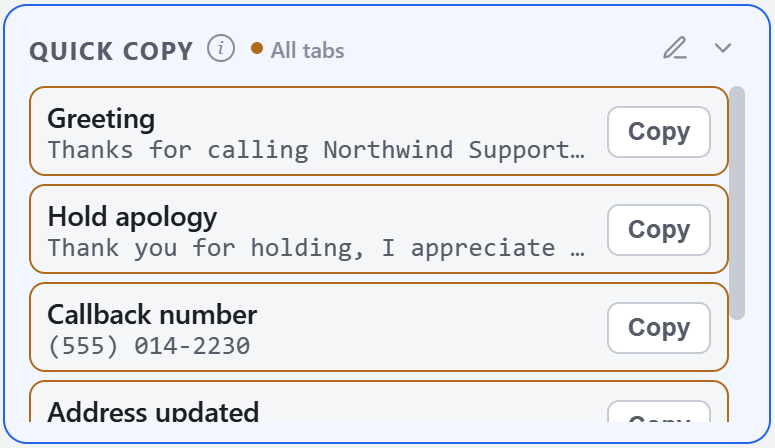
Greetings, phone numbers, replies you send ten times a day. Click once and it is on your clipboard.
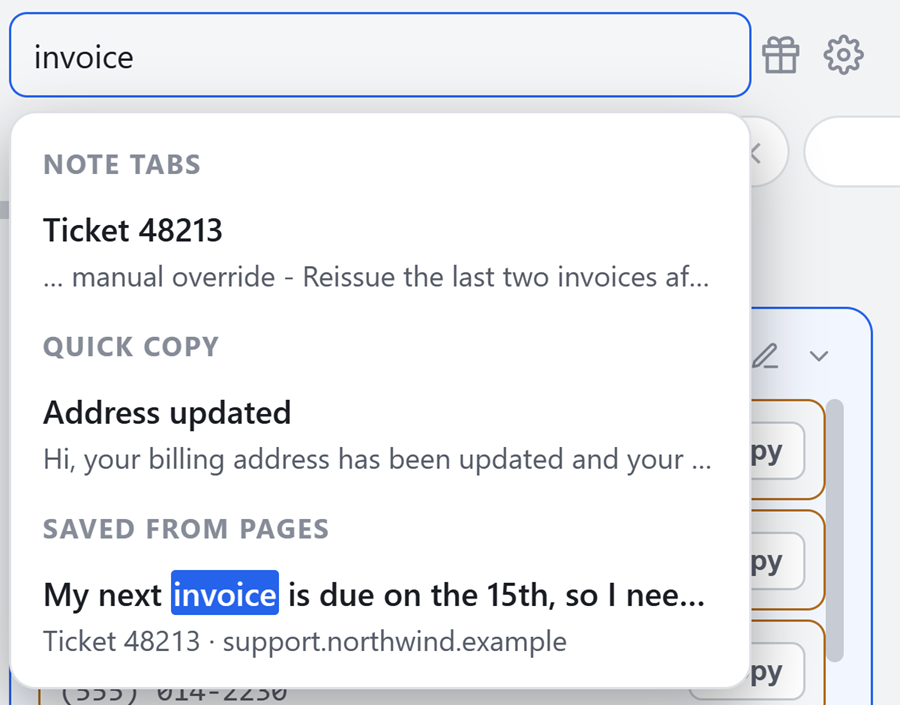
One search box covers your notes, snippets and saved highlights.
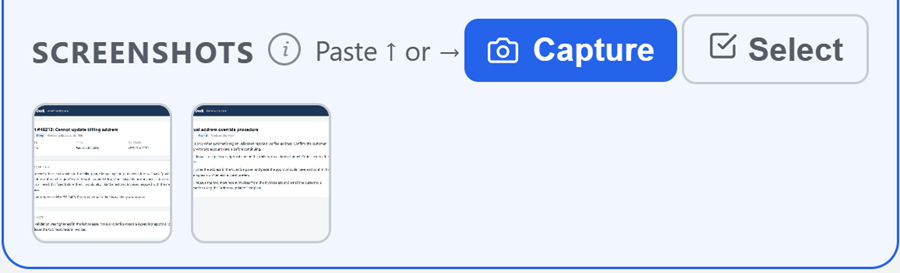
Capture the current tab or paste an image. Each note keeps its own gallery to preview, copy or download.
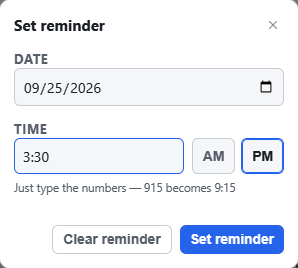
Set a date and time on any note. The alert fires even with the panel closed.
Sidebit makes no network requests. Your notes live in Chrome's own storage for the extension, on your device.
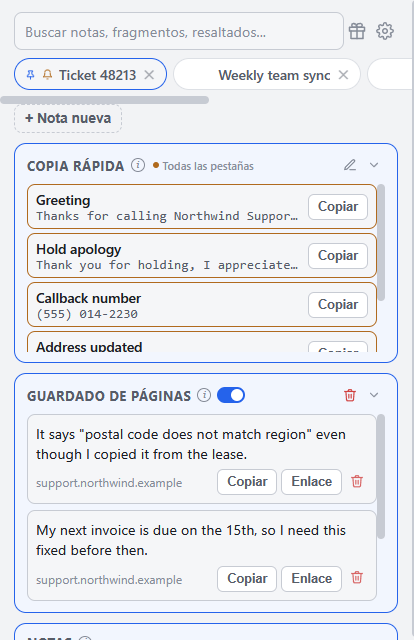
Choose the theme, accent colors, text size and font. The language switches inside the panel and does not depend on your browser.